All you need is your remote
Large targets, predictable focus movement, and remote-friendly menus make it practical to browse folders, select files, and run everyday actions without a touch screen.
 FileOneAndroid file manager
ANDROID TV
FileOne is designed specifically for big-screen interaction on Android TVs, boxes and projectors, with support for directional keys, confirm, back and common keyboard controls.
Use your remote from the sofa. No mouse or keyboard needed.
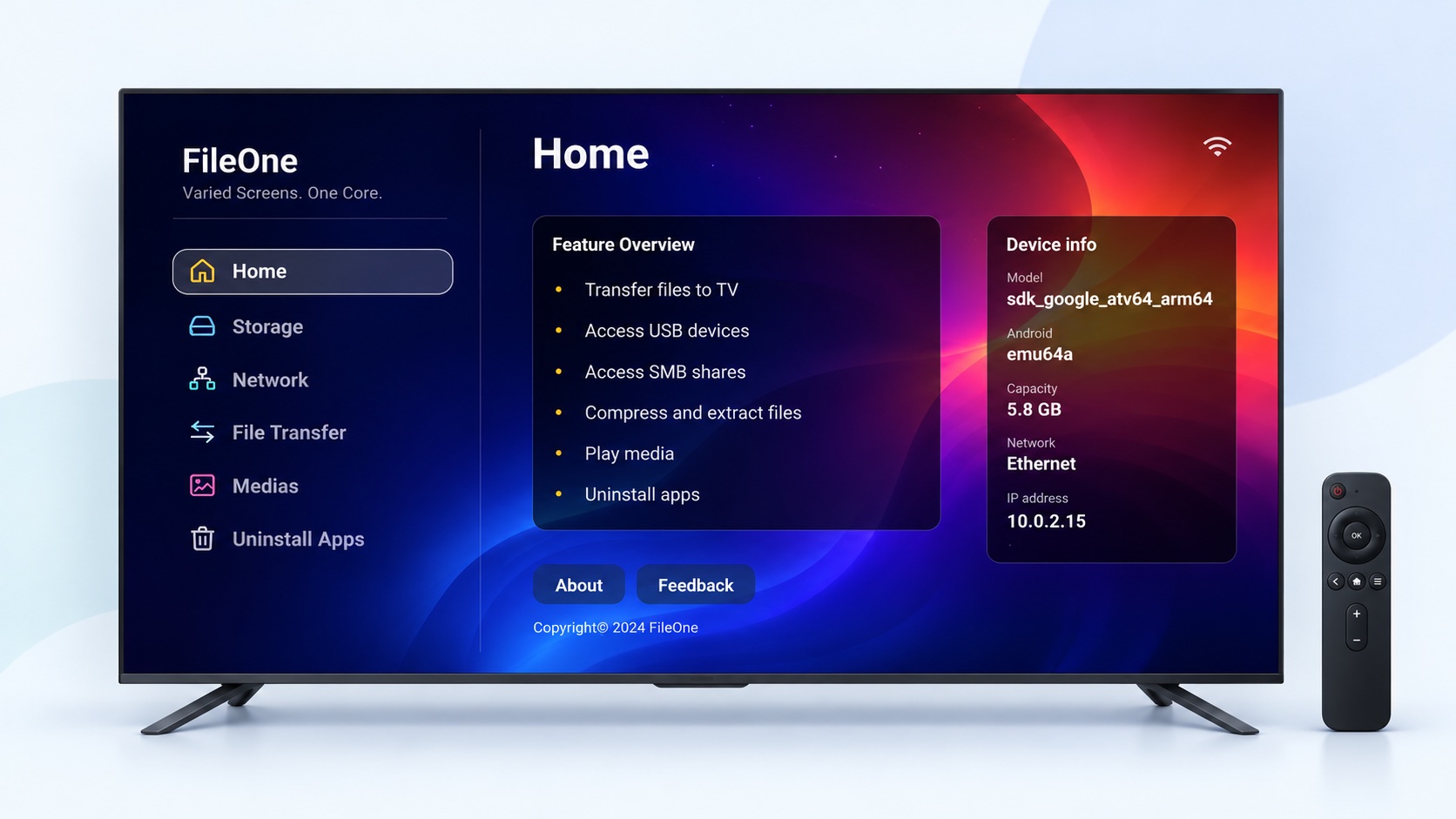
Large targets, predictable focus movement, and remote-friendly menus make it practical to browse folders, select files, and run everyday actions without a touch screen.
Start File Transfer in FileOne on your TV, then use a browser on a device on the same local network, such as a phone or computer, to send files to the TV. For example, transfer an APK and install it on the TV, without reaching behind the screen for a USB port.
Play supported video and audio, use embedded or external subtitles where available, preview common files, and extract supported archives to local storage.
Install FileOne from Google Play and manage the files connected to your TV.